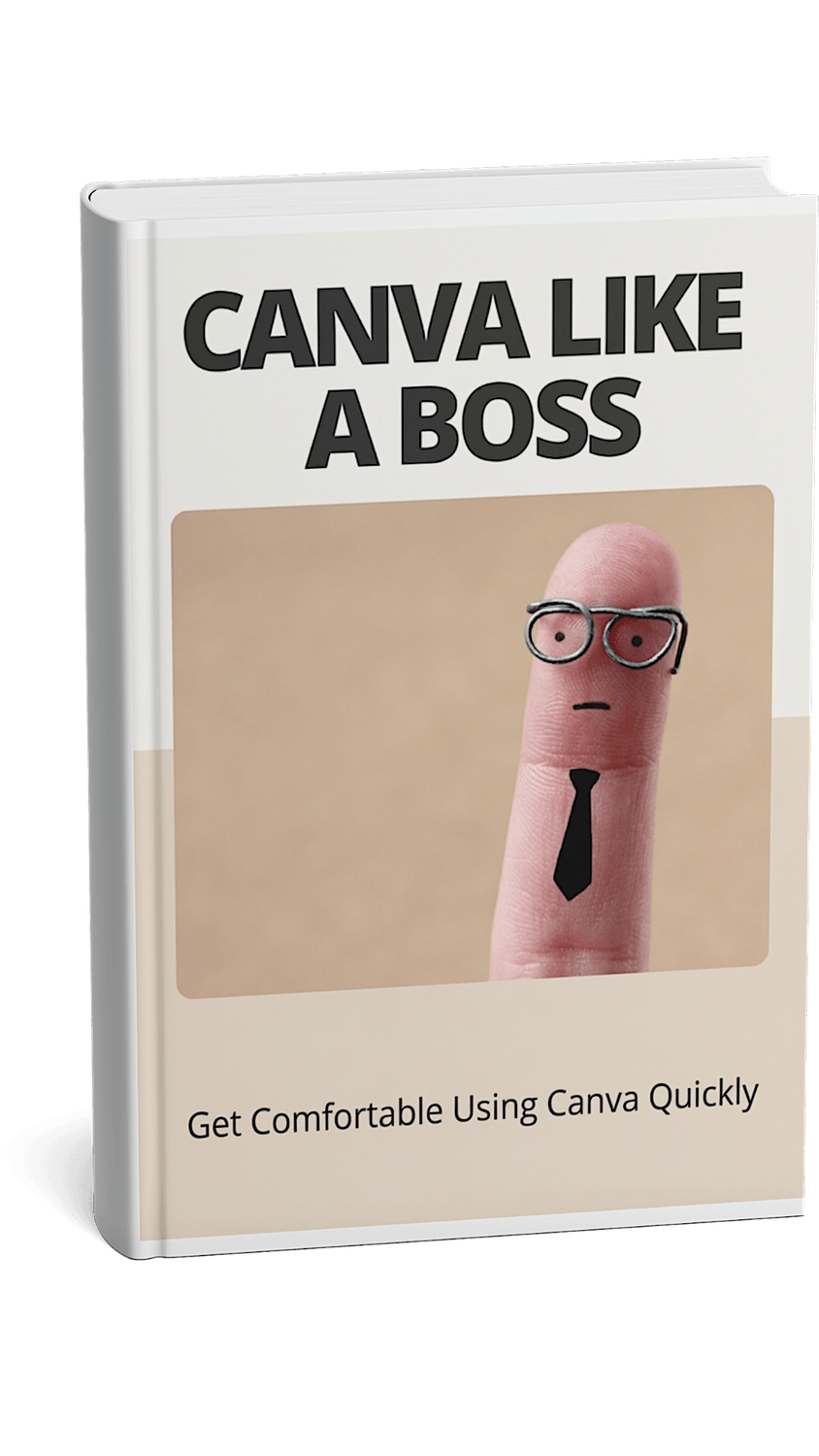
From Canva Confused to Canva Confident. This guide covers getting started, editing basics, toolbars, tips, shortcuts, and Canva Free vs Pro.
Stop Staring at Canva Wondering What to Click
Create better designs faster.
Discover Canva's essential tools and shortcuts.
No design experience required.

About The Author
David Jessamy
I created Canva Like a Boss because I know how overwhelming it can feel when you first open Canva. There are so many buttons, tools, and options that it’s easy to get lost or frustrated — especially if you don’t have any design experience. My goal was to make a simple, straightforward guide that takes the mystery out of Canva and helps beginners feel comfortable using it.
This isn’t about turning you into a design expert overnight. Instead, it’s about showing you where everything is and how to use Canva’s features confidently. When I first started, I wasted a lot of time trying to figure out basic functions, which slowed down my progress and made me want to give up. That’s why in this guide, I focused on clear explanations and practical tips so you can find what you need quickly and start creating without stress.
Whether you want to make social media posts, presentations, or just experiment with design, knowing how to navigate Canva is the first step. Once you’re familiar with the tools, the creative part becomes much easier and more fun. I hope this guide helps you skip the confusion and jump straight into using Canva with confidence.
Privacy Policy | About | Contact | Home
© Copyright 2025
Created with systeme.io
Drive consistent traffic to your videos in just days...
We HATE spam. Your email address is 100% secure